Label printing defeats more retail and warehouse projects than any algorithm. The reason is that the web platform was not designed for it, and the workarounds each have a cost.
Printing from a browser goes through the operating system print dialogue, which applies its own scaling and margins. A barcode that renders perfectly on screen can come out slightly compressed, and a compressed barcode does not scan. Scaling must be locked to one hundred per cent and the result verified with an actual scanner, not by eye.
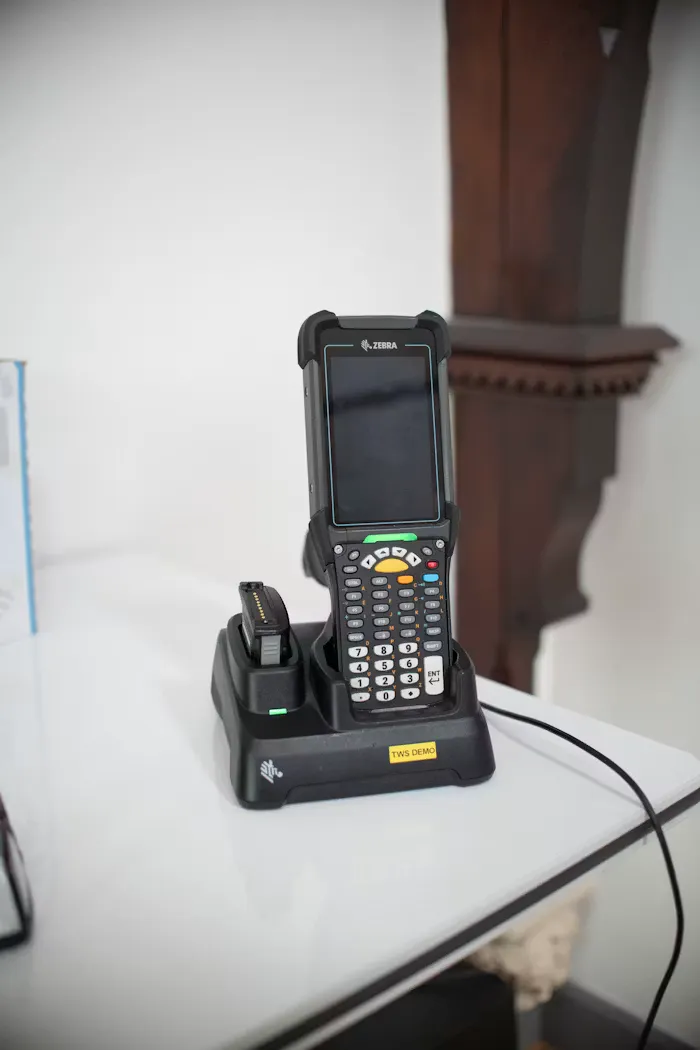
The more reliable route is to speak the printer's own language. Zebra printers accept ZPL, and generating ZPL directly gives exact control over placement and eliminates the driver entirely. It is less convenient to develop against and dramatically more predictable in the field.
Choose the symbology deliberately. Code 128 handles alphanumeric data compactly and is the usual choice for internal SKUs; EAN-13 is what retail products carry; QR codes hold far more and are readable by phones, which matters if the people scanning are field staff rather than a warehouse with dedicated hardware. Encoding a long internal ID into a symbology that cannot hold it produces a barcode that is technically valid and unreadable at label size.
Physical constraints are part of the design. Label stock comes in fixed sizes, thermal labels fade with heat and sunlight, and a label on a curved surface distorts the bars. Cold storage needs a different adhesive. These decisions are made by whoever buys the consumables, and they need to be made with the software team in the room.
Build a test print function into the product from the start. Alignment drifts, rolls are loaded slightly differently, and a one-click calibration label saves the support team from a category of ticket that would otherwise never end.